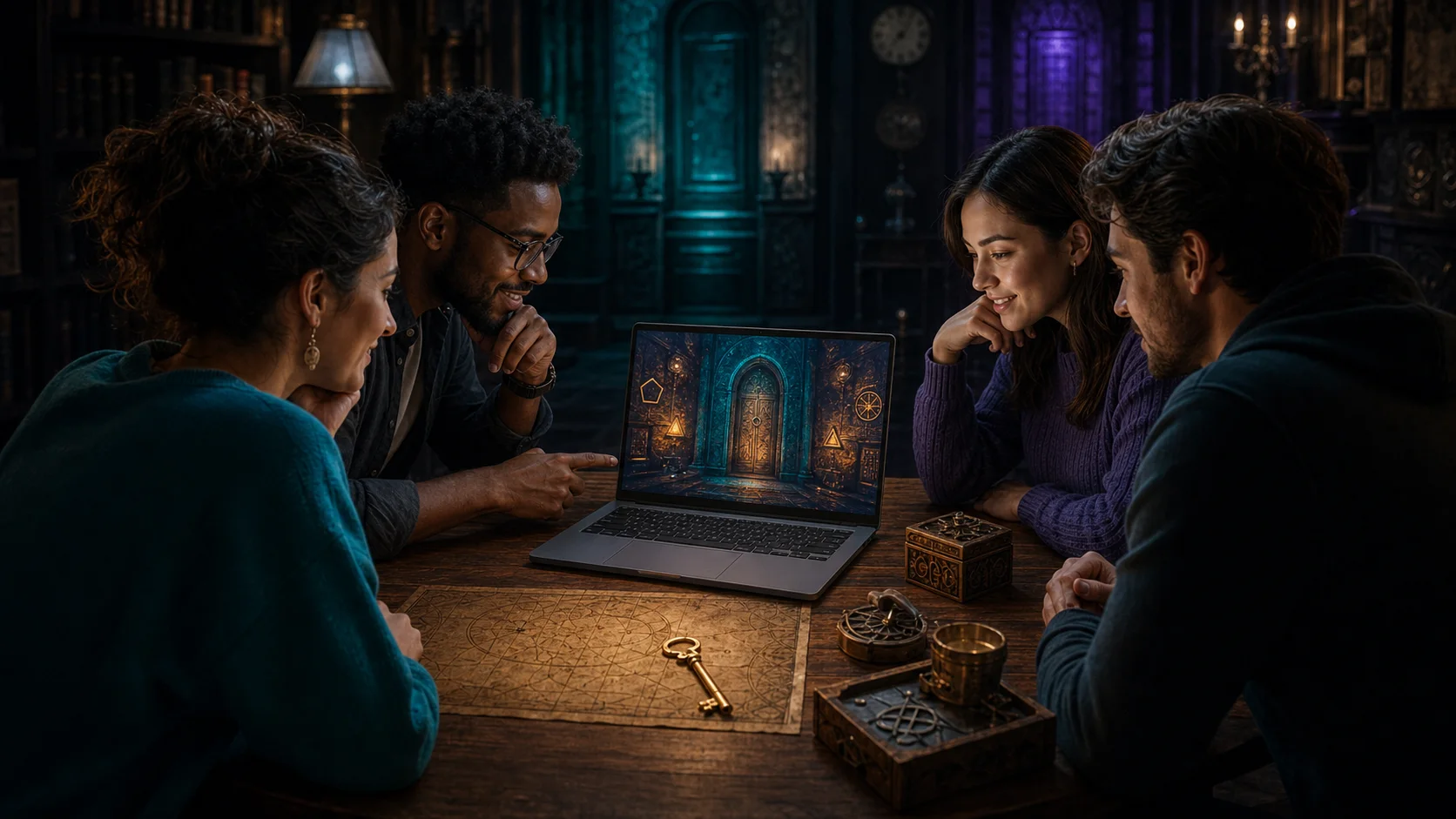
What Is the Best Team Size for an Online Escape Room?
The best team size for an online escape room is not simply the largest number the game allows. A good group gives everyone enough to investigate, discuss and solve without turning the session into a crowded video call.
For most online escape rooms, three to five players offers the best balance. Smaller teams get a more demanding puzzle experience, while larger groups usually work better when they are divided into separate teams.
Best team size at a glance
- 1 player: maximum challenge, but no second opinion when you get stuck.
- 2 players: ideal for an experienced duo or a focused date night.
- 3 to 5 players: the strongest all-round choice for most friends, families and remote teams.
- 6 or more players: possible with clear roles, but often better as two competing teams.
Always check the recommended player range on the room page. That recommendation matters more than a universal rule because every game distributes clues and tasks differently.
Why three to five players usually works best
Escape-room puzzles reward different ways of thinking. One player may notice a visual pattern, another remembers a clue from ten minutes earlier and someone else sees how separate pieces fit together. With three to five people, you gain those different perspectives without making communication unnecessarily difficult.
This team size also makes it easier to keep everyone involved. Players can briefly investigate separate leads, then bring their findings back to the group. There is still enough space for quieter participants to explain an idea before the team moves on.
A group of four is the safest default when you do not know everyone’s experience level. It is large enough to recover when one person gets stuck, but small enough to make decisions quickly.
How your setup changes the ideal team size
Playing together around one screen
When everyone is in the same room, two to four players is usually the most comfortable setup. Use a laptop connected to a larger monitor or television if possible. Every player should be able to read clues and point out details without leaning across someone else.
With five or more people around one screen, participation can become uneven. One person controls the mouse while others are pushed into watching. If you do play with a larger group, rotate control after each puzzle and give one player responsibility for recording codes and unfinished clues.
Joining remotely from different locations
For a remote session, three to five players works well because every household or player can inspect the game from their own device. The main limitation is communication: the more voices on the call, the easier it is for useful observations to get lost.
Agree on one communication channel before the game starts and ask players to say what they are doing. A short update such as “I am checking the map” prevents two people from spending time on the same clue without realizing it.
Choose a team size that fits your group
A couple or experienced duo
Two players get more direct involvement and fewer interruptions. The trade-off is that every difficult clue depends on the same two perspectives. A duo is a strong choice if you enjoy a serious puzzle challenge and are comfortable using a hint when progress stops completely.
Friends or family
Four or five players creates a social game without becoming chaotic. For families with children, combine adults and younger players in the same team. Adults can keep track of the larger puzzle while children often excel at spotting visual details and trying unexpected ideas.
A work or team-building event
Do not put an entire department into one game just because it is technically possible. Divide a large group into teams of four or five and let them play the same room separately. This gives every participant a meaningful role and makes it easier to compare completion times afterwards.
When should you split a large group?
Split the group when there are more players than useful things to do at the same time. Warning signs include repeated side conversations, players who cannot see the screen and one person making every decision.
Two smaller teams usually create a better experience than one oversized team. Start both sessions at roughly the same time, use the same hint rules and compare the results when everyone finishes. The room becomes both a shared activity and a friendly competition.
Make any team size work better
Good organization matters almost as much as headcount. These simple habits keep more players involved:
- Choose one person to control the game, then rotate that role regularly.
- Keep a visible list of codes, symbols and clues that have not been used.
- Say discoveries out loud instead of silently testing every idea yourself.
- Let a different player lead when the team moves to a new puzzle.
- Use hints to restart progress, not only when the timer is almost over.
If this is your group’s first game, review how an online escape room works before the session. Knowing how to start, communicate and use hints saves valuable game time.
Choose the room before finalizing your team
The best sequence is simple: choose a game, check its recommended player range and then invite the right number of people. Theme and difficulty affect enjoyment, but the room’s own player recommendation tells you whether the puzzles suit a duo, a balanced group or multiple teams.
Compare our online escape rooms and select a game that matches your group. If you are unsure, start with four players: it is the most reliable balance of puzzle-solving power, clear communication and active participation.
Frequently asked questions
Can two people play an online escape room?
Yes. A two-player team gets a focused and challenging experience. Check the room’s minimum player recommendation and allow for the possibility that you may need an extra hint.
Is six people too many?
Six players can work when the group communicates well and the selected room supports it. If several people cannot contribute at the same time, split into two teams of three.
Does every player need a separate device?
No. Players in the same location can share a larger screen. Remote players should use their own device or share one device per household so everyone can see the clues clearly.